就是准MINGLI ATLAS
?

Basic: plain-language, advanced chart parameters hidden. Pro: for researchers or practitioners, view and adjust advanced rules. Selection persists after refresh.

Guest

DETERMINISTIC CHART · VALIDATION FIRST

MINGLI ATLAS CHART & LIFE RHYTHMS

Calculate first.
Understand next.

See the structure of your chart,
understand the rhythm of your life.

Pillars, strength, patterns and luck cycles are calculated first. Past-event validation then informs AI interpretation.

MingLi Atlas brand disc
PILLARS × ELEMENTS × TIMEStructure illustration
  • Deterministic chart
  • Past validation
  • AI interpretation
THE ZHUN METHOD

Calculation, not guesswork.

01

Calculate precisely

Resolve time, location and calendar first.

02

Validate the past

Check the direction of analysis against your feedback.

03

Interpret with AI

Interpret life rhythms on a deterministic foundation.

01 / START WITH THE FACTS

Start with your birth information

Calculate the chart before validation and interpretation.

More precise time helps resolve chart boundaries.

01 Birth information

Enter birth details and the system charts deterministically · place only needs three-level selection

Birth time (Solar)Choose the date and time; on mobile, tap a field to use the native wheel picker
Year
Month
Day
Hour
Min
Birth date
Birth time
02 Time precisionAn uncertain time must not be silently fixed to one hour pillar

I know the specific birth time

03 Birth locationCoordinates · timezone · daylight saving · true solar time auto-converted from the city

Guest charts are not saved by default. Sign in for automatic saving.
Traditional cultural analysis and entertainment reference, not professional decision-making advice.

Calculate your chart first. Interpretation follows.

KEEP YOUR CHART / KEEP YOUR CONTEXT

Keep your chart,
return to it later.

Sign in to save your charts without entering birth details every time.

  • Automatic chart saving
  • Separate charts for family and friends
  • Keep validation feedback
  • Revisit yearly trends
  • Continue to full reports

GuestNo registration is needed. Guest charts are not retained long-term; you may need to enter your details again.

Signed inSuccessful charts are saved. The dedicated archive entry is pending; the existing account center lists your reports.

Free registration · Manage your own charts
AI and full reports depend on availability.
Language and view mode are available at the top.

THE FOUNDATION / NOT THE GUESS

AI interprets.
The engine calculates.

One chart. Calculate clearly, then explain it.

DIRECT GENERATION
Birth detailsAI interpretation
Fluent language does not guarantee consistent calculation.
THE MINGLI ATLAS METHOD
  1. 01Birth details
  2. 02Deterministic chart
  3. 03Rule analysis
  4. 04Past validation
  5. 05AI interpretation
CALCULATE. THEN INTERPRET.
Validation follows chart creation. This is a method overview, not a separate validation page.

02 / A REPORT WITH CONTEXT

More than a chart. An informed interpretation.

Structure, validation, then trends.

Illustrative report structure
01REPORT CHAPTER

Chart overview
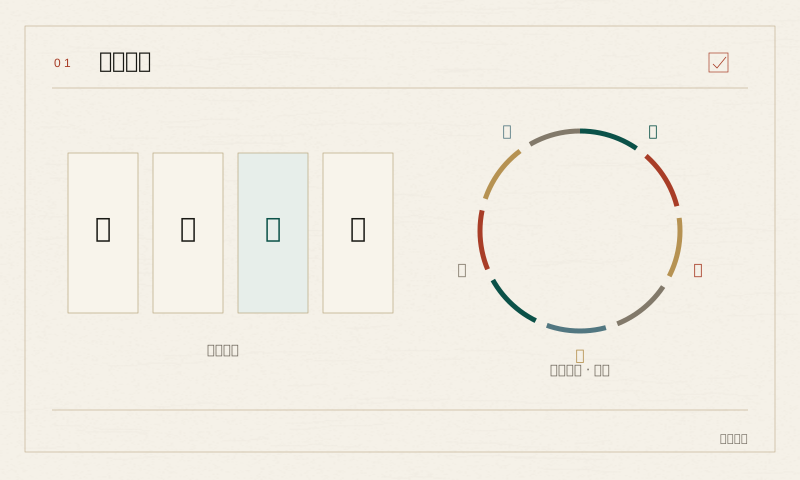
Illustration of chart overview

Read the chart through pillars and elements.
Pillars and elements
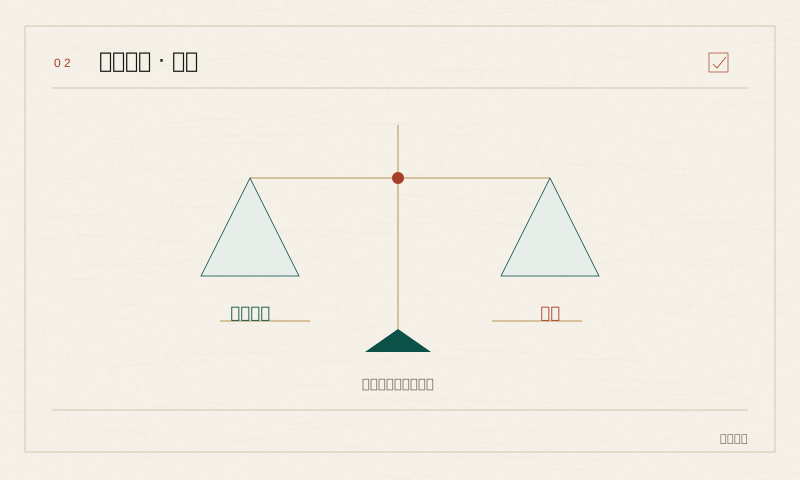
02REPORT CHAPTER

Strength & patterns

Illustration of strength & patterns

Supporting and opposing evidence are separated.
Assessment and evidence
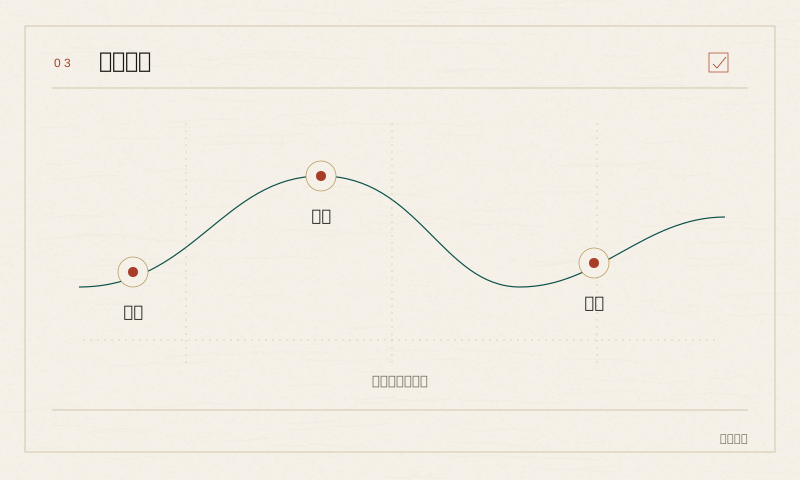
03REPORT CHAPTER

Luck cycles & years

Illustration of luck cycles & years

Read change along the timeline.

Stages and milestones
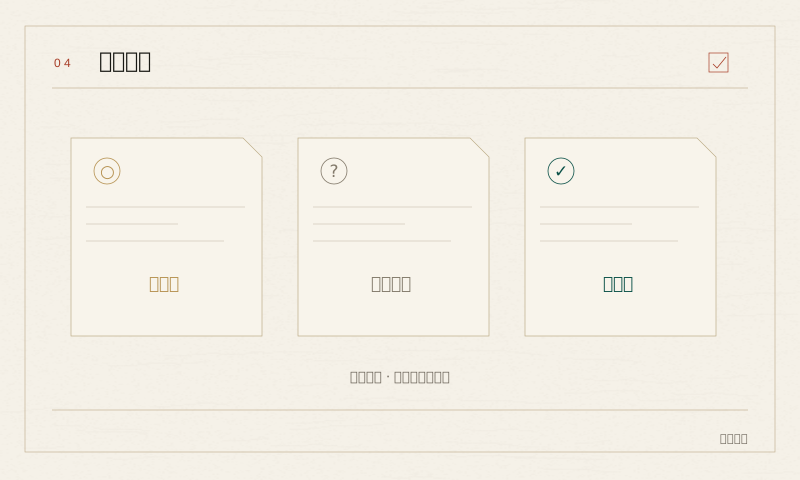
04REPORT CHAPTER

Past validation

Illustration of past validation

Check interpretations against real feedback.

Feedback and review

03 / CONTINUE YOUR EXPLORATION

Continue beyond your chart

From calculation to validation and long-term trends.

01

Past validation

Check interpretations against your feedback.

After your chart
02

Yearly trends

Read change across life stages.

After your chart
03

Chart archive

Keep charts ready to revisit.

Saving guide / archive entry pending
04

AI interpretation

Evidence first, interpretation next.

Not enabled
05

Full report

Connect structure, feedback and trends.

Not enabled
06

Multiple charts

Keep each person's chart separate.

Saving guide / entry pending